In today’s fast-paced digital world, businesses need a way to stay connected with customers 24/7. One of the most effective tools for this purpose is a WhatsApp chatbot for business.
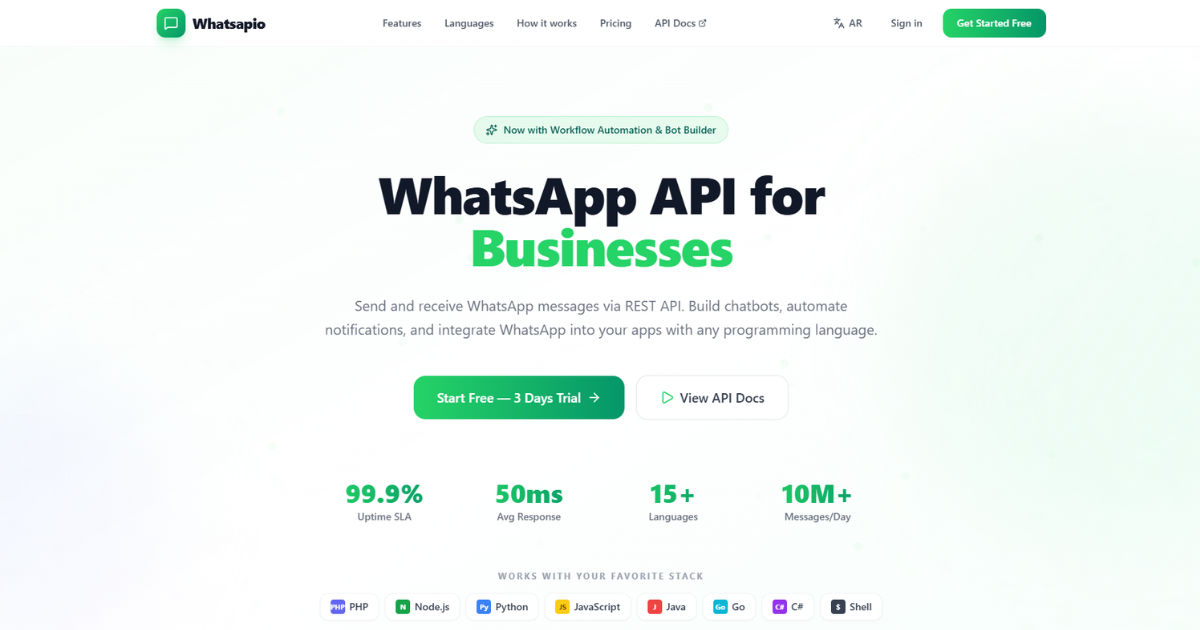 This technology allows businesses to provide instant support, answer questions, and guide customers through various processes without the need for human intervention at every step.
Whether you are a small business or a large enterprise, understanding how support works in a WhatsApp chatbot for business can revolutionize the way you communicate with customers.
This guide will explain how WhatsApp chatbots handle support, their key features, how they are implemented, and the benefits they bring to both businesses and customers. We’ll also explore practical examples to help you see how this technology works in real-life scenarios.
What is a WhatsApp Chatbot for Business?
A WhatsApp chatbot for business is an automated messaging tool designed to interact with customers via WhatsApp. Unlike human customer service agents who need time to respond, chatbots work instantly and can handle multiple queries simultaneously. They use pre-programmed rules, artificial intelligence, and machine learning to understand customer requests and provide accurate responses.
Businesses use WhatsApp chatbots to perform a variety of tasks, including:
- Responding to frequently asked questions
- Providing product or service information
- Guiding customers through purchase processes
- Scheduling appointments
- Sending notifications and updates
By leveraging this technology, businesses ensure that customers get timely support while saving resources on human labor.
How Customer Support Works in WhatsApp Chatbots
The support system of a WhatsApp chatbot for business works through a combination of automation and intelligent design. Here’s how it functions:
1. Message Reception
When a customer sends a message to a business via WhatsApp, the chatbot receives it immediately. Unlike traditional support, where you might have to wait for hours or even days for a response, chatbots ensure instant acknowledgment.
2. Understanding the Query
The chatbot processes the message using natural language processing (NLP). This allows it to understand what the customer is asking. For example, if a customer types, “What is your return policy?” the chatbot recognizes keywords like “return” and “policy” to provide the correct answer.
3. Providing Automated Responses
Once the chatbot understands the query, it sends a pre-programmed or AI-generated response. These responses are designed to be concise, informative, and helpful. Common examples include:
- Product details
- Shipping and delivery information
- Pricing and promotions
- Troubleshooting steps
Automation ensures that even if your support team is offline, customers still receive immediate assistance.
4. Escalation to Human Agents
Sometimes, a customer’s issue may be complex and cannot be resolved by the chatbot alone. In such cases, the chatbot seamlessly escalates the query to a human agent. This can happen in real-time through live chat integration or by scheduling a follow-up call.
The handover process is smooth and ensures that customers do not feel abandoned when their queries exceed the bot’s capabilities.
Key Features of Support in WhatsApp Chatbots
To provide efficient customer support, WhatsApp chatbots come with several essential features:
Quick Replies and Buttons
Quick reply buttons allow customers to select options instead of typing. This makes the conversation faster and reduces errors. For example:
- “Check Order Status”
- “Speak to Agent”
- “Track Shipment”
These buttons guide users and create a seamless experience.
Personalized Conversations
Modern WhatsApp chatbots can personalize messages using customer data. For example, addressing customers by their name or sending reminders based on their past interactions. Personalized support enhances customer satisfaction and builds trust.
Automated FAQs
One of the most significant advantages of a WhatsApp chatbot for business is its ability to handle frequently asked questions automatically. By programming common queries and responses, businesses save time and reduce repetitive tasks.
Multi-Language Support
For businesses serving global customers, chatbots can support multiple languages. This ensures that all customers receive accurate support in their preferred language.
Notifications and Updates
WhatsApp chatbots can send automated notifications such as order confirmations, shipping updates, appointment reminders, and promotional offers. This proactive approach reduces incoming support requests while keeping customers informed.
Benefits of Using WhatsApp Chatbots for Support
Implementing a WhatsApp chatbot for business has numerous benefits for both businesses and customers:
1. 24/7 Availability
Unlike human agents, chatbots never sleep. They provide round-the-clock support, ensuring that customers get help whenever they need it. This improves customer satisfaction and prevents missed opportunities.
2. Cost-Effective Support
By automating responses to common queries, businesses can reduce the workload on human support teams. This leads to cost savings while maintaining high-quality support.
3. Faster Response Times
Chatbots respond instantly to customer messages. Faster support leads to higher customer satisfaction and encourages repeat business.
4. Scalability
As your business grows, handling customer queries manually becomes challenging. WhatsApp chatbots can handle thousands of messages simultaneously, making them highly scalable.
5. Data Collection and Insights
Chatbots collect valuable data about customer behavior and preferences. Businesses can use these insights to improve products, services, and marketing strategies.
Setting Up Support in a WhatsApp Chatbot
Implementing support in a WhatsApp chatbot for business involves several steps:
Step 1: Define Objectives
Before creating a chatbot, define the goals of your support system. Identify the types of queries it should handle and the overall customer experience you want to deliver.
Step 2: Choose the Right Platform
Several platforms allow businesses to create WhatsApp chatbots, including official WhatsApp Business API providers. Choose one that fits your budget, technical skills, and business needs.
Step 3: Design Conversation Flows
Map out common customer queries and design the conversation flows. Include automated responses, quick replies, and escalation points to human agents.
Step 4: Implement AI and NLP
Integrate artificial intelligence and NLP capabilities to ensure the chatbot understands customer queries accurately. This is crucial for providing meaningful responses.
Step 5: Test and Launch
Before going live, test the chatbot thoroughly. Simulate different customer scenarios to ensure smooth functioning and accurate responses.
Step 6: Monitor and Optimize
After launch, monitor chatbot interactions, gather feedback, and make necessary improvements. Continuous optimization ensures your support system remains effective and relevant.
Real-Life Examples of WhatsApp Chatbot Support
Example 1: E-Commerce Businesses
An online store uses a WhatsApp chatbot for business to handle order tracking, returns, and product inquiries. Customers receive instant updates about their shipments and can resolve common issues without contacting a human agent.
Example 2: Healthcare Providers
Clinics use WhatsApp chatbots to schedule appointments, send reminders, and provide basic medical information. Patients receive quick support, reducing phone call traffic for staff.
Example 3: Travel Agencies
Travel agencies deploy WhatsApp chatbots to provide flight updates, itinerary changes, and booking confirmations. Travelers get real-time support, improving their overall experience.
Example 4: Banking and Financial Services
Banks use WhatsApp chatbots to assist customers with balance inquiries, transaction histories, and fraud alerts. Automation ensures secure, timely, and accurate support.
Best Practices for WhatsApp Chatbot Support
To get the most out of your WhatsApp chatbot for business, follow these best practices:
Keep Messages Short and Clear
Avoid long, complicated messages. Short and clear responses are easier for customers to read and understand.
Use Friendly and Professional Language
Maintain a balance between professionalism and friendliness. This makes interactions pleasant while building trust.
Provide Easy Escalation Options
Always include an option for customers to reach a human agent if needed. This prevents frustration and ensures complex issues are handled appropriately.
Continuously Update Content
Regularly update your chatbot’s responses to reflect new products, services, or policies. Outdated information can lead to confusion and dissatisfaction.
Analyze Performance Metrics
Track metrics like response times, resolution rates, and customer satisfaction. Use this data to improve your chatbot and overall support strategy.
Challenges and Limitations
While WhatsApp chatbots for business offer many advantages, there are some challenges to consider:
- Limited Understanding: Chatbots may struggle with highly complex queries or slang.
- Technical Setup: Setting up AI-powered chatbots can require technical knowledge or support.
- Customer Preference: Some customers prefer speaking to humans, especially for sensitive issues.
- Platform Restrictions: WhatsApp has strict guidelines for using chatbots, including message templates and opt-in requirements.
Despite these challenges, with careful planning and optimization, WhatsApp chatbots remain a powerful support tool.
Future of Support with WhatsApp Chatbots
The future of customer support is heavily tied to automation and AI. WhatsApp chatbots for business will continue to evolve, becoming more intelligent and capable of handling even more complex queries. Features like voice recognition, sentiment analysis, and deeper personalization are expected to enhance the customer experience further.
Businesses that adopt these chatbots early will benefit from improved efficiency, higher customer satisfaction, and stronger competitive advantages.
Conclusion
Support in a WhatsApp chatbot for business is transforming the way companies interact with their customers. From instant responses to automated FAQs, personalized conversations, and seamless escalation to human agents, chatbots provide comprehensive support that meets the expectations of today’s digital-savvy consumers.
Implementing a WhatsApp chatbot is not just about automation; it’s about creating a customer experience that is fast, reliable, and available 24/7. By understanding how support works in these chatbots, businesses can improve operational efficiency, reduce costs, and ensure customer satisfaction.
Whether you are running a small online store, a healthcare clinic, or a financial service, adopting WhatsApp chatbots for business support is a strategic move that ensures your customers always have the help they need, whenever they need it.